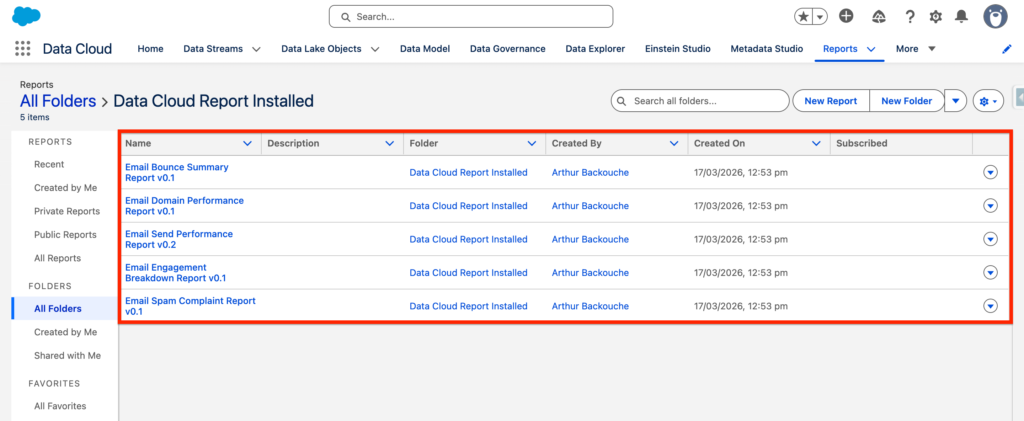
After setting-up the Marketing Cloud Engagement Connector and deploying the Data Streams from the Email Studio & Mobile Studio Bundles, you will have the possibility to install the Intelligence Reports.
Salesforce Labs developed the official package on the AppExchange named: Data Cloud Report Package for Marketing Cloud Engagement – allowing you to get access to pre-built reports measuring Marketing Cloud Engagement Insights directly within Data 360.
You will be able to get access to the following reports:
- Email Send Report
- Email Performance Report
- Email Bounce Summary Report
- Email Domain Performance Report
- Email Spam Complaint Report
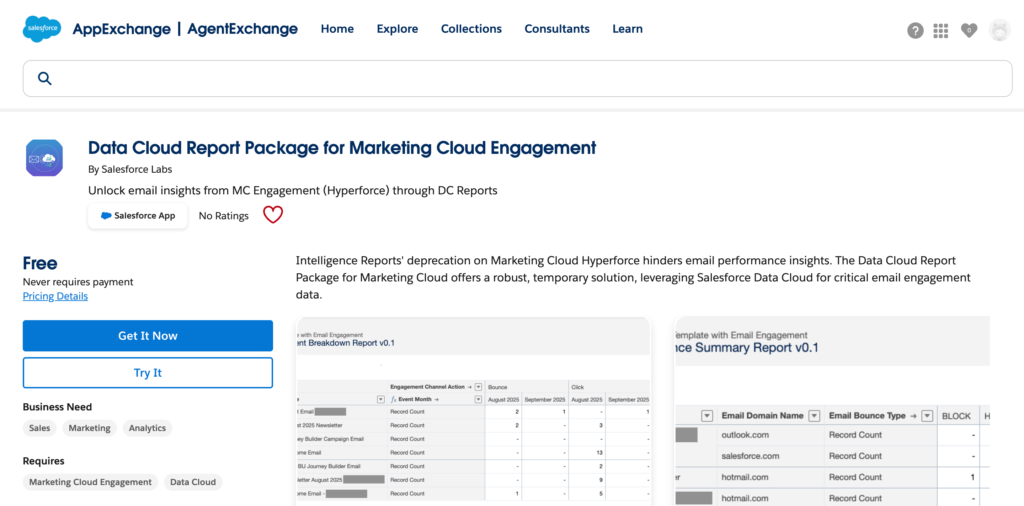
Installing the Package #
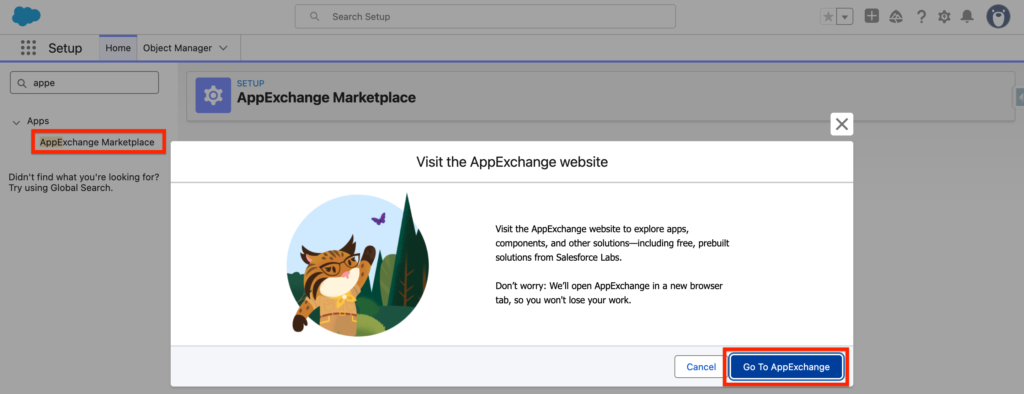
Navigate to Salesforce Set-up and search for AppExchange.
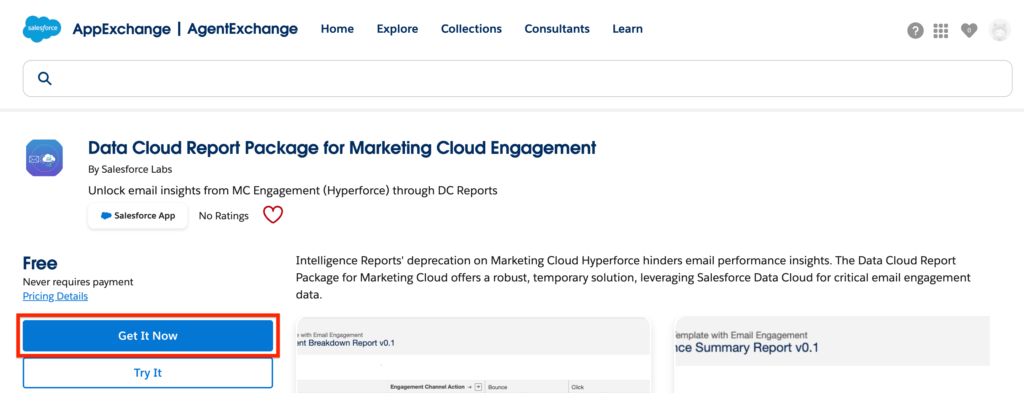
Once the AppExchange, search for Data Cloud Report Package for Marketing Cloud Engagement and click Get it Now
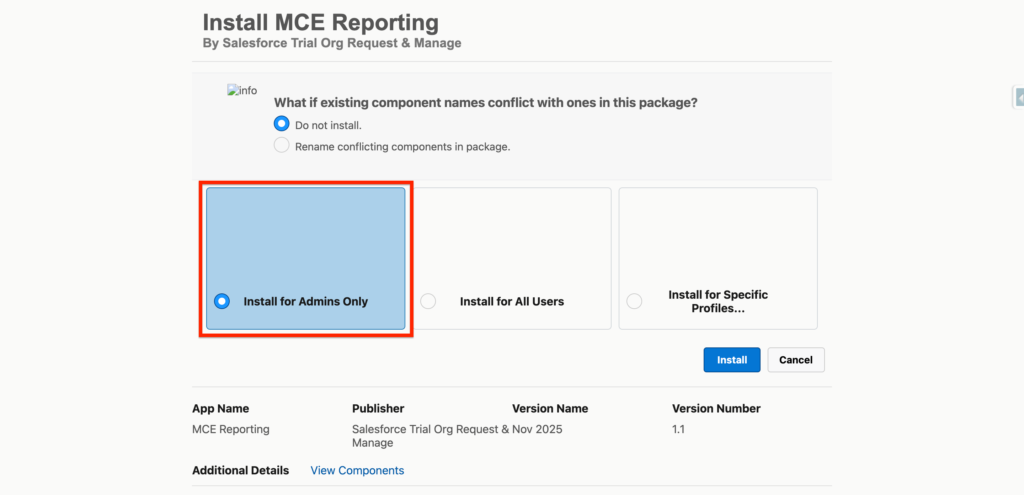
Select Install the package for Admin only and click Install.
Accessing the Reports #
You can easily access the reports by navigating into the Report tab of Data 360 and select the folder named Data Cloud Report Installed. From there you will see the reports